Thanks for your purchase.
Here’s what happens next
Step 1 - Video Processing & Upload
After the tournament is over Rally Vision processes all the video from each court camera breaking things down into individual games and ensuring that the players and court schedules are synced together correctly. This typically takes 2-3 days to try to ensure that we don’t send you a video that you aren’t in.
Once that is done we start processing orders, and you will receive an email from Rally Vision.
Once all the games are ready we upload them to PB Vision for analysis. The email address you provided on your order is used to link your videos on PBVision.
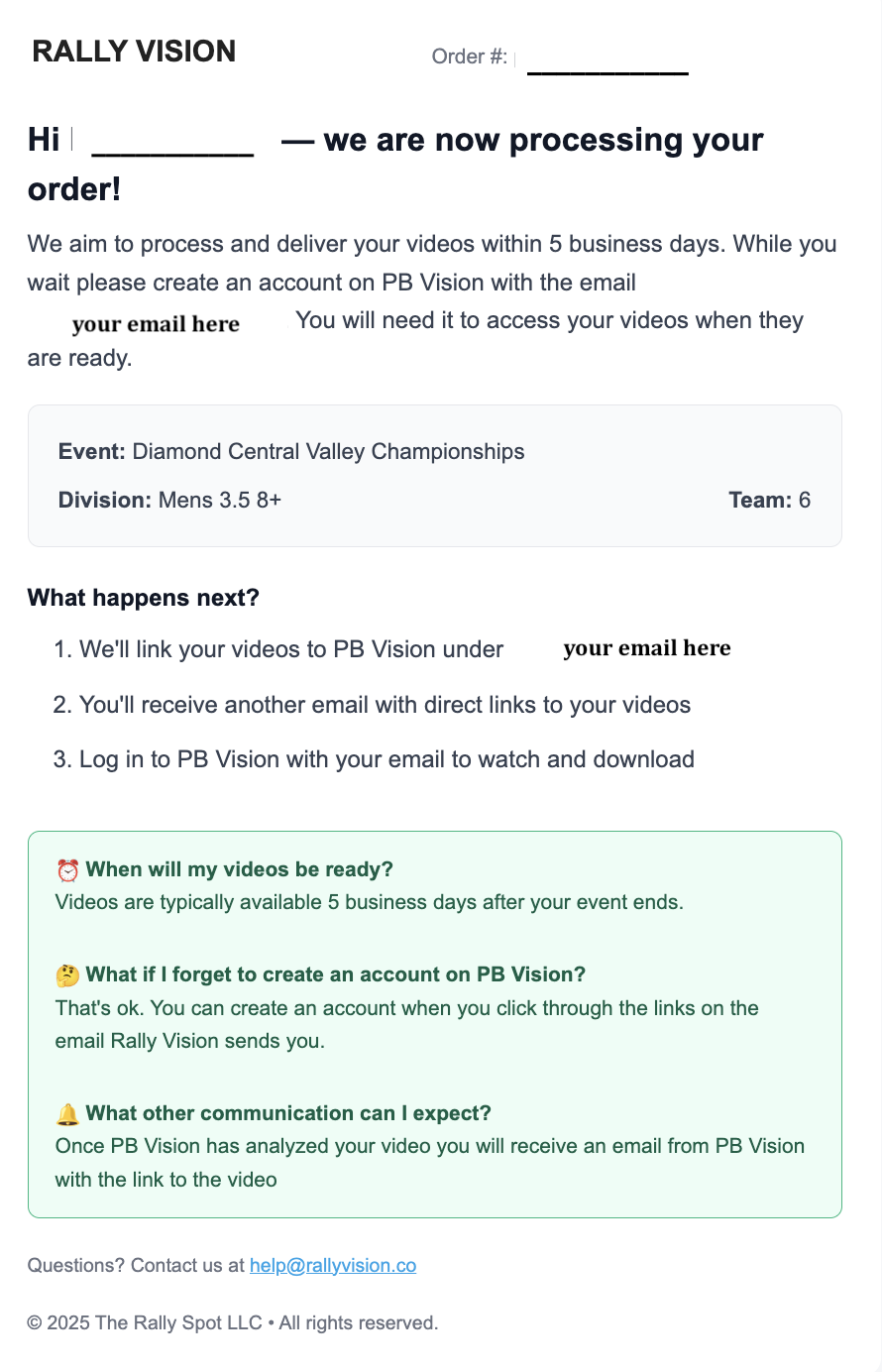
Step 2 - Order Complete
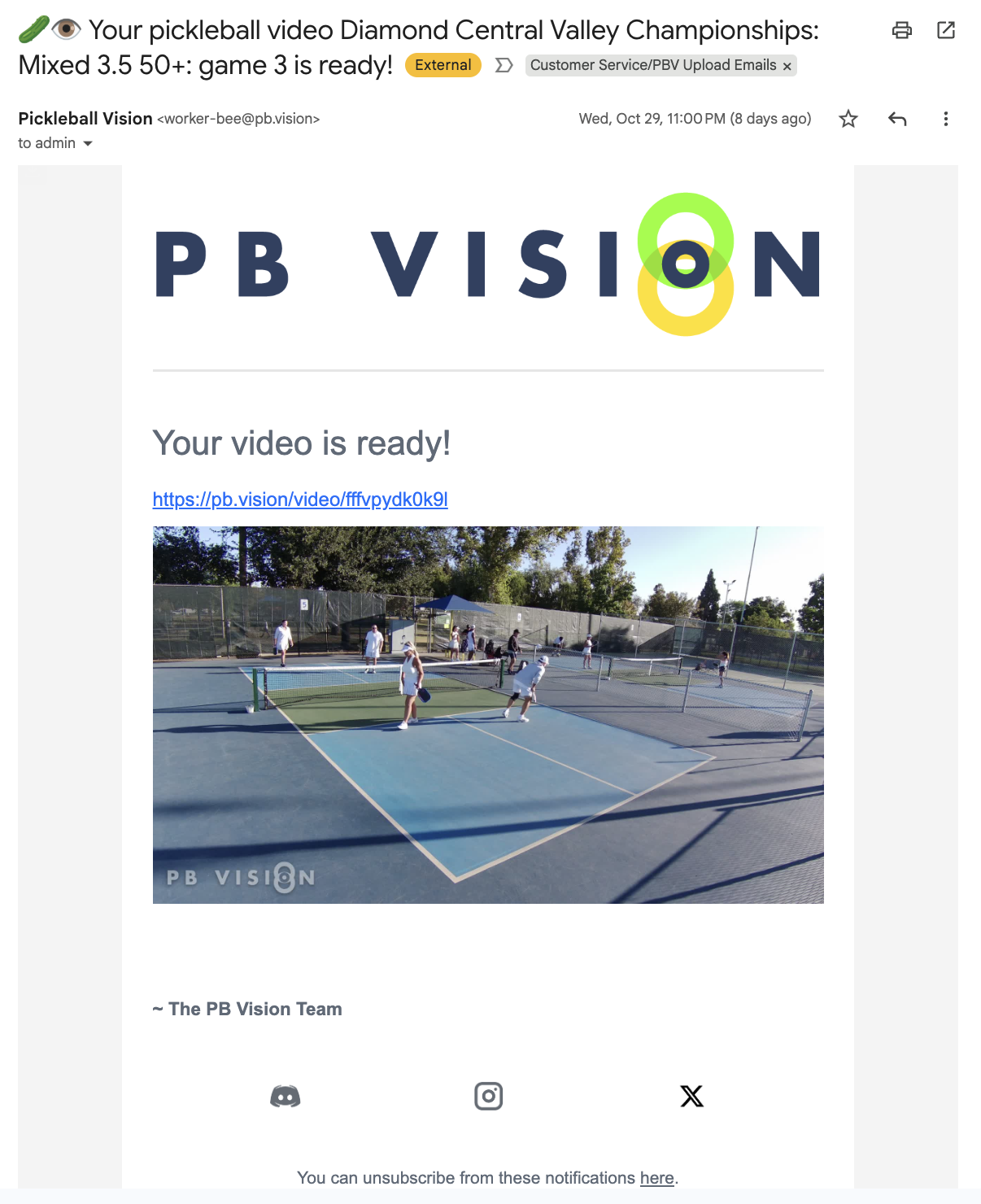
When your video is analyzed by PBVision, which typically takes 1-2 hours per video, they will send you an email letting you know your video is ready.
Once all your videos have been uploaded to PB Vision, we will send you an order complete email with all the links to your videos on PBVision.
Step 1 and 2 together typically take 5-7 business days to complete.
Step 3 - Accessing Videos
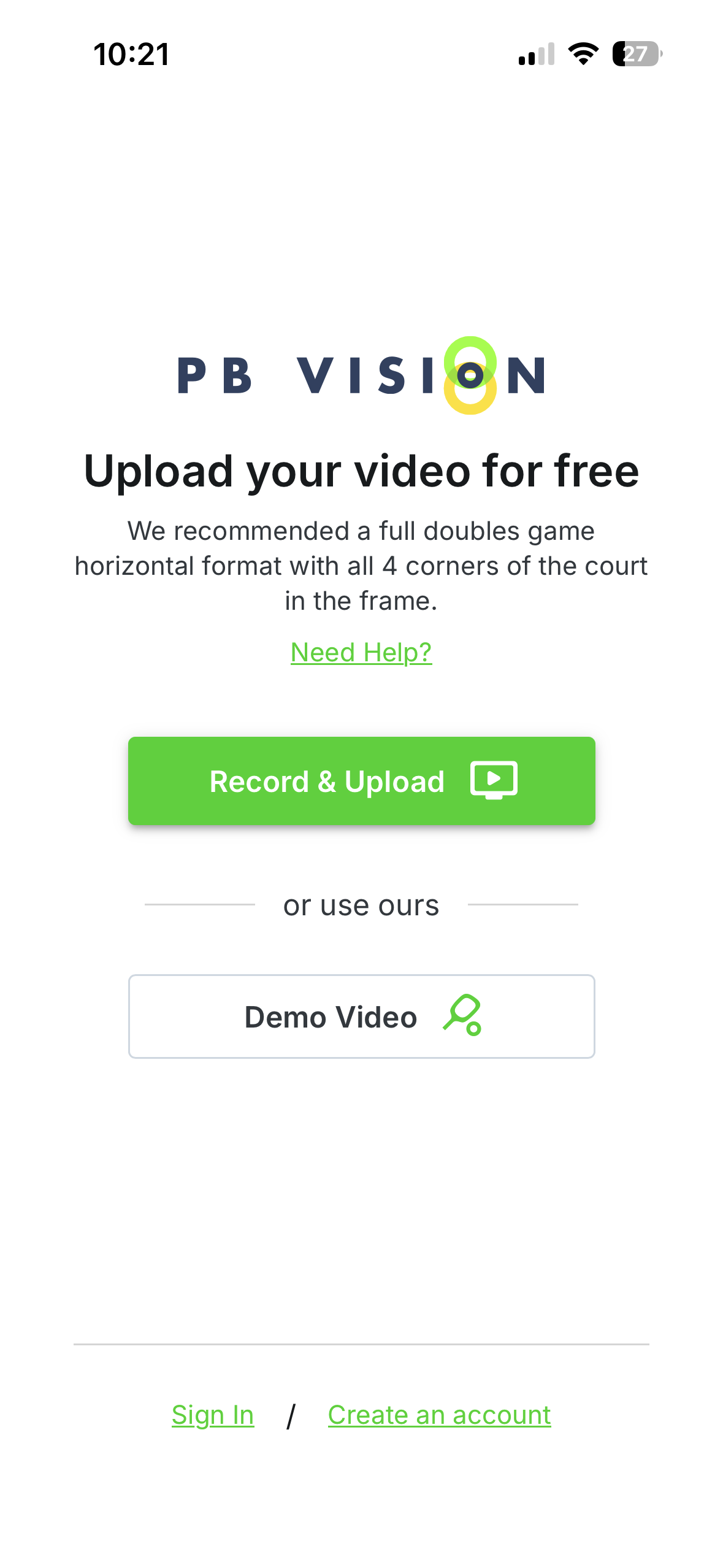
You can access your videos by going directly to https://pb.vision or by downloading the PB Vision App in the Apple App Store or Google Play Store.
You must use the same email address listed in the Order Processing or Order Complete email from Rally Vision to set up your free PB Vision account.
Simply go to the PB Vision sign-up screen, enter that email, create a password, and your videos will appear in your Library once you log in.
Alternatively you can click on any of the video links from the Order Complete or PBVision emails and sign in at the prompt.
Step 4 - Getting Your Profile Analytics
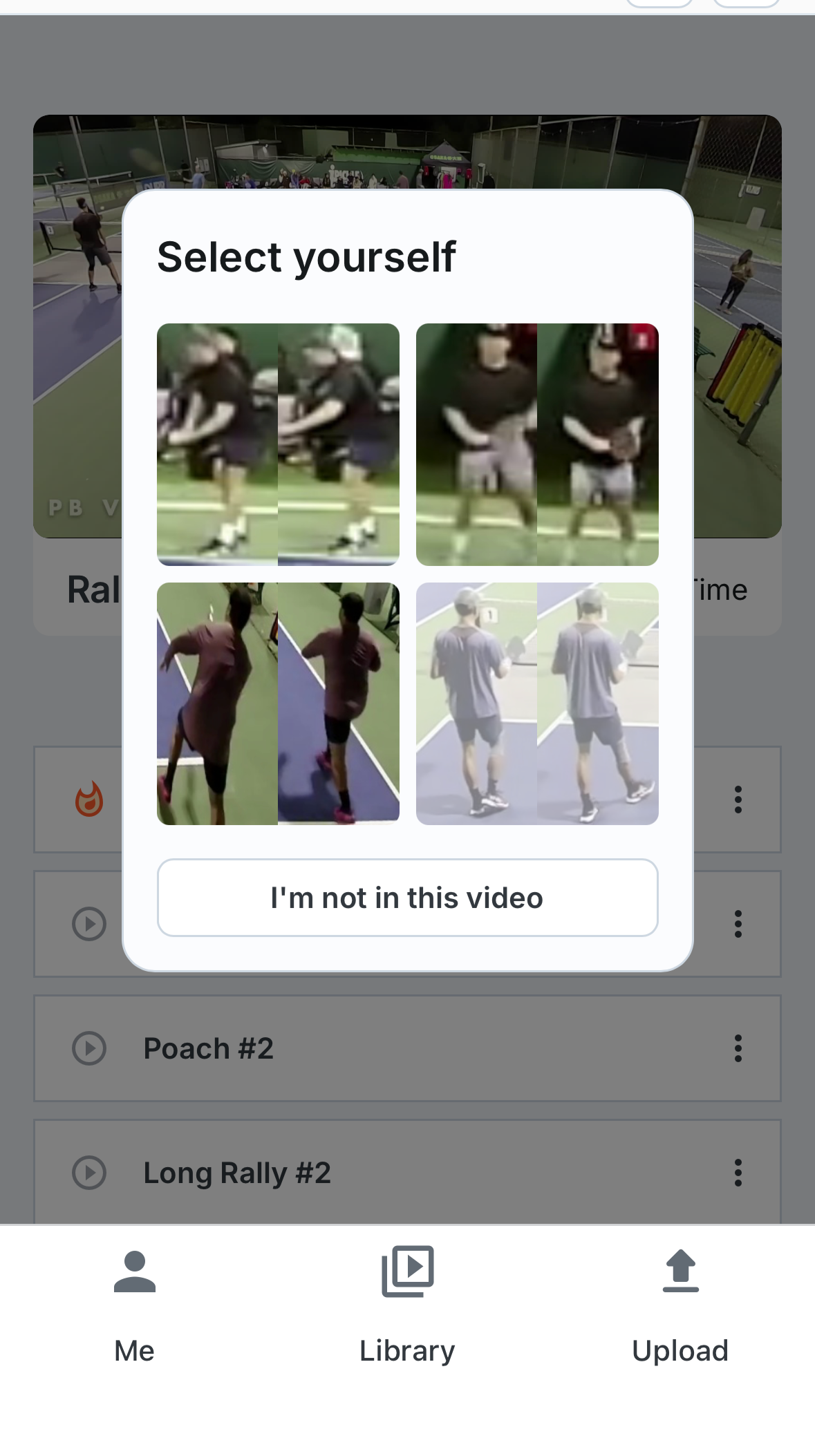
Once you are in the app or website click on one of your games. You will get a popup asking to identify which player is you. Click on the picture of yourself and that will unlock all of your personal AI DUPR features. You will not get profile ratings if you don’t identify yourself. If you have questions please see this article on PBVision.
If you have any questions please check our FAQ or reach out to help@rallyvision.co with your order # and we will get back to you as soon as we can.
If you have any questions about PB Vision’s app or have account issues please visit https://help.pb.vision/ for help.